We’ve all captured photos that looked great in the moment, only to discover later that the focus wasn’t quite where we wanted it. Fortunately, modern AI tools can often rescue images that would have previously been considered unusable.
One of the most powerful options available today is Super Focus 3 in Topaz Photo AI. This next-generation tool is designed to intelligently reverse blur while preserving details that are already sharp. Unlike traditional sharpening tools, Super Focus 3 can identify different types of blur—including missed focus, motion blur, and camera shake—and apply targeted corrections based on the scene.
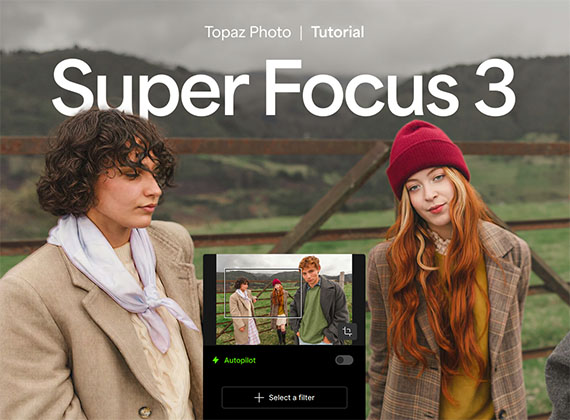
How to Use Super Focus 3
1. Open Topaz Photo AI.
2. Import your blurry image. The tool works best on soft, slightly out-of-focus, or mildly blurred photos.
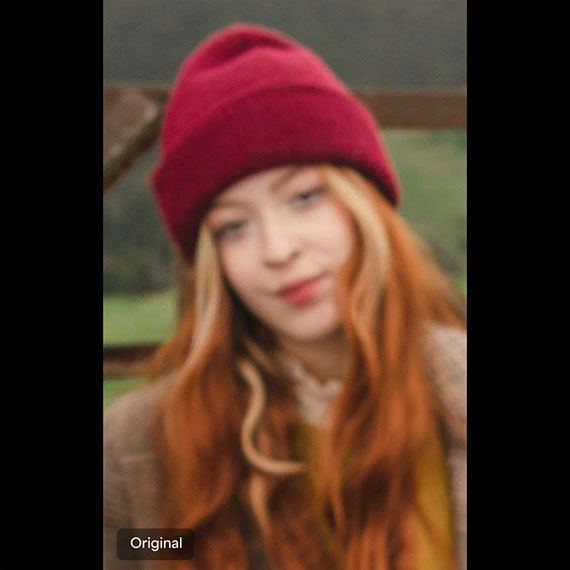
3. Select Super Focus and choose Super Focus 3.
4. Allow the software to analyze the image and recover detail.
5. Choose whether to process the image locally on your computer or using cloud processing.
6. Fine-tune the results by selecting which areas or details you want to enhance.
7. For the best final image, consider applying Recover Faces and Preserve Text after running Super Focus 3.
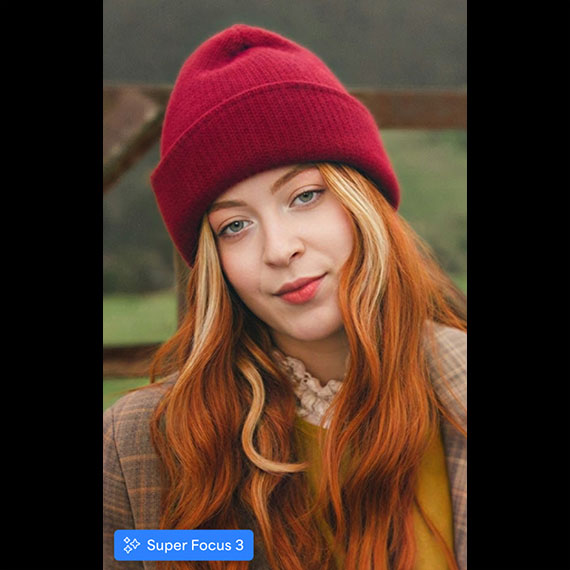
While no software can perfectly restore every blurry photo, Super Focus 3 can often recover surprising amounts of detail from images affected by missed focus, motion blur, or camera shake. If you have photos that would otherwise be destined for deletion, it’s worth giving this AI-powered tool a try before giving up on them.
Try it Yourself:
The latest release of Photo AI with Super Focus introduces several powerful tools and improvements designed to enhance image editing capabilities.
Found here: Photo AI with Super Focus 3
Like This Article?
Don't Miss The Next One!
Join over 100,000 photographers of all experience levels who receive our free photography tips and articles to stay current:






Leave a Reply